Menus, diets and hydration
Building a menu
In the Meals app → Operations → Menus, create the menu for the day or the week.
Add dishes from the catalog, by meal type (breakfast, lunch, dinner, snacks).
Save.
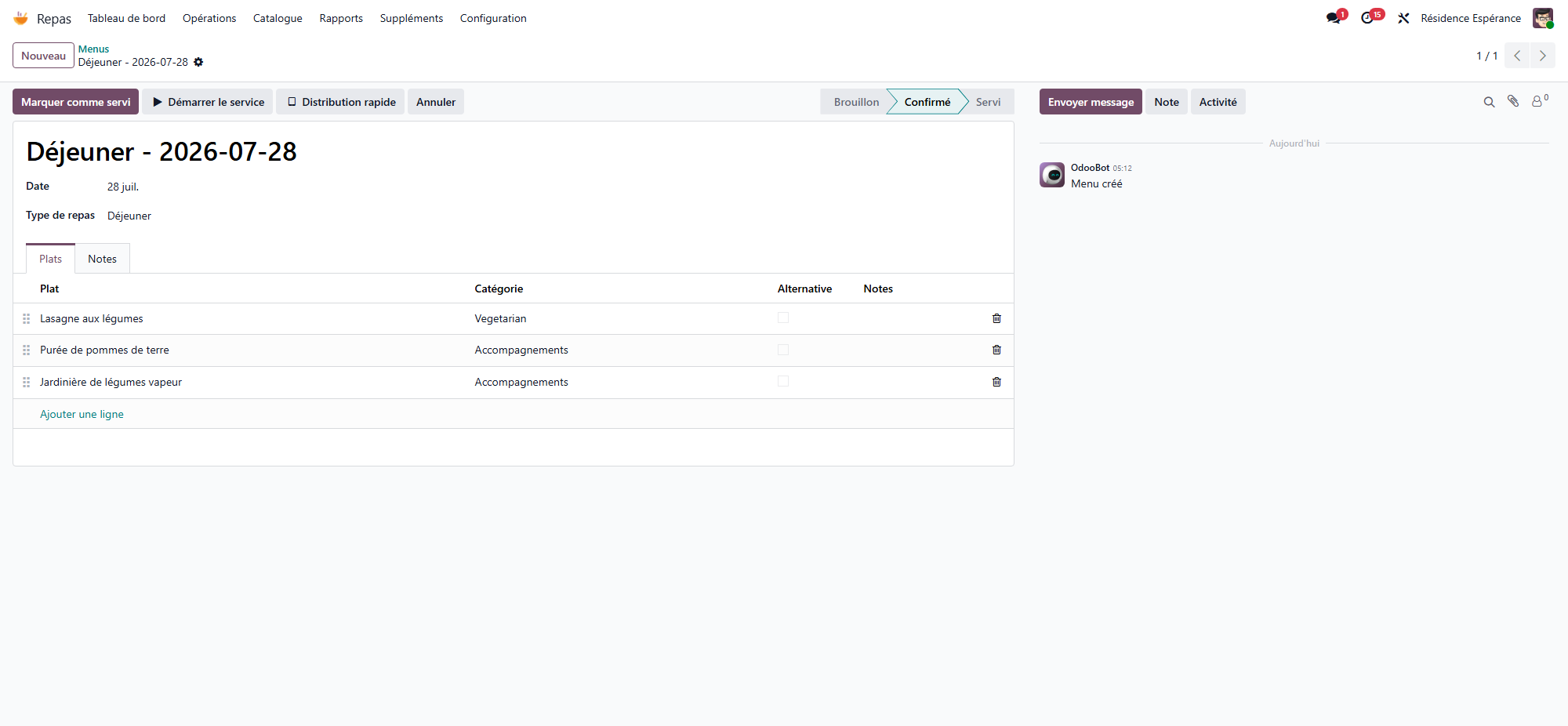
Dishes are described once in the catalog (ingredients, category) and reused across all menus.
Meal services
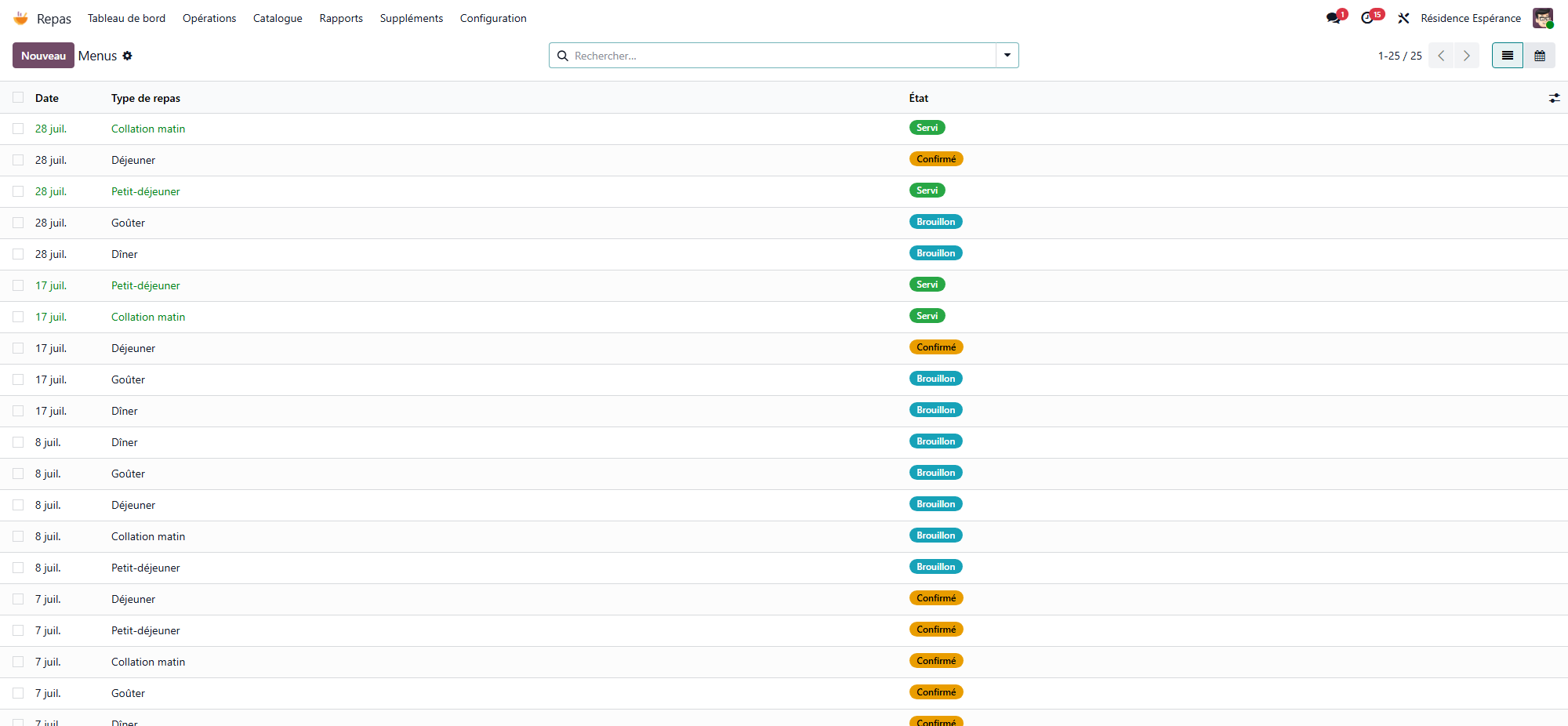
A meal service represents a meal served at a given time. It follows a simple cycle: Confirm → Mark as served, with the option to cancel or reset to draft.
Diets and allergies
Each resident can have one or more diets (salt-free, diabetic, blended/adapted texture…) and allergies. Resthome takes them into account and flags incompatibilities between a menu and a resident’s profile.
Dietary alerts
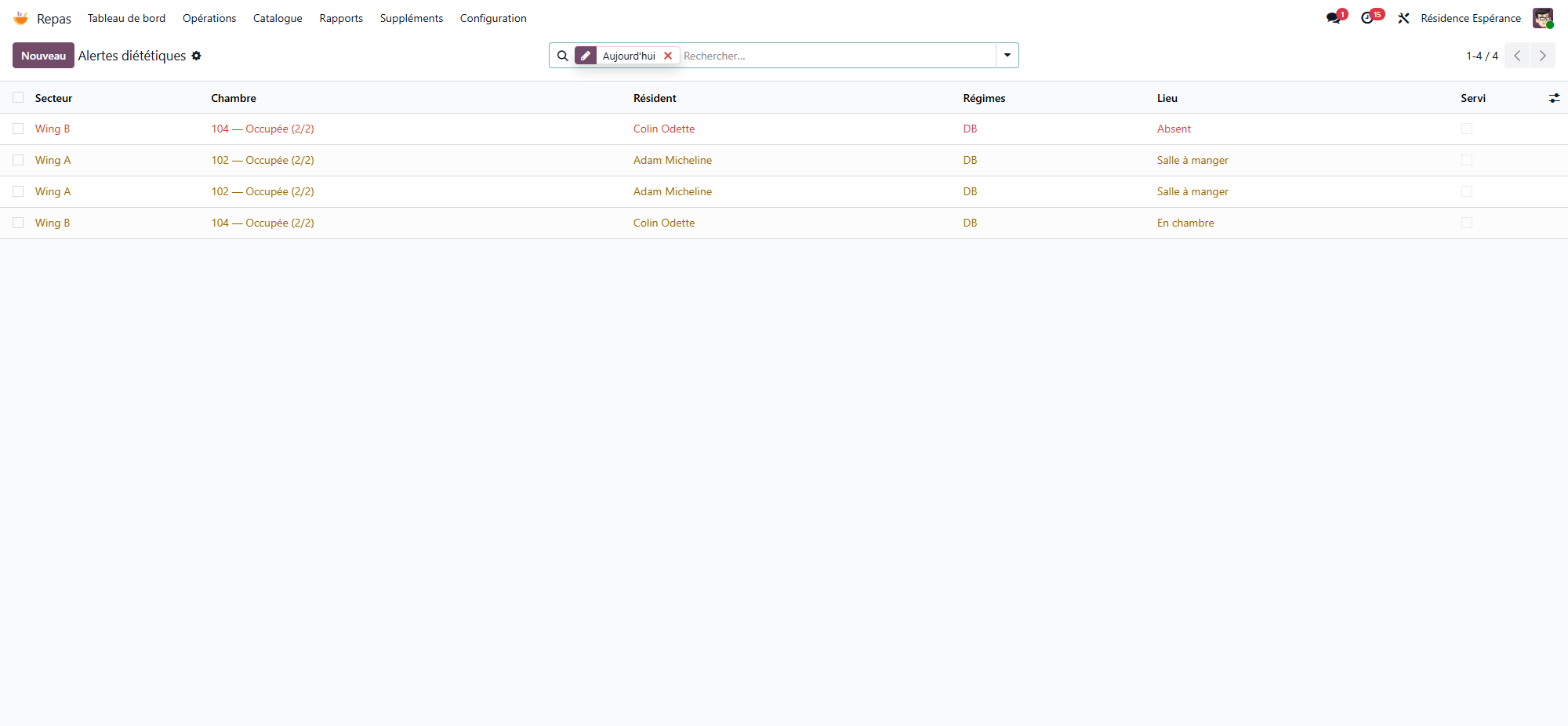
The Dietary alerts menu surfaces cases where a planned dish does not suit a resident’s diet or allergies — to be checked before service.
Nutritional monitoring and hydration
Resthome tracks residents’ nutritional coverage (energy, protein) and hydration, with tailored targets.
Malnutrition screening relies on the MNA (see Clinical registers).
Hydration is logged throughout the day to spot insufficient intake.