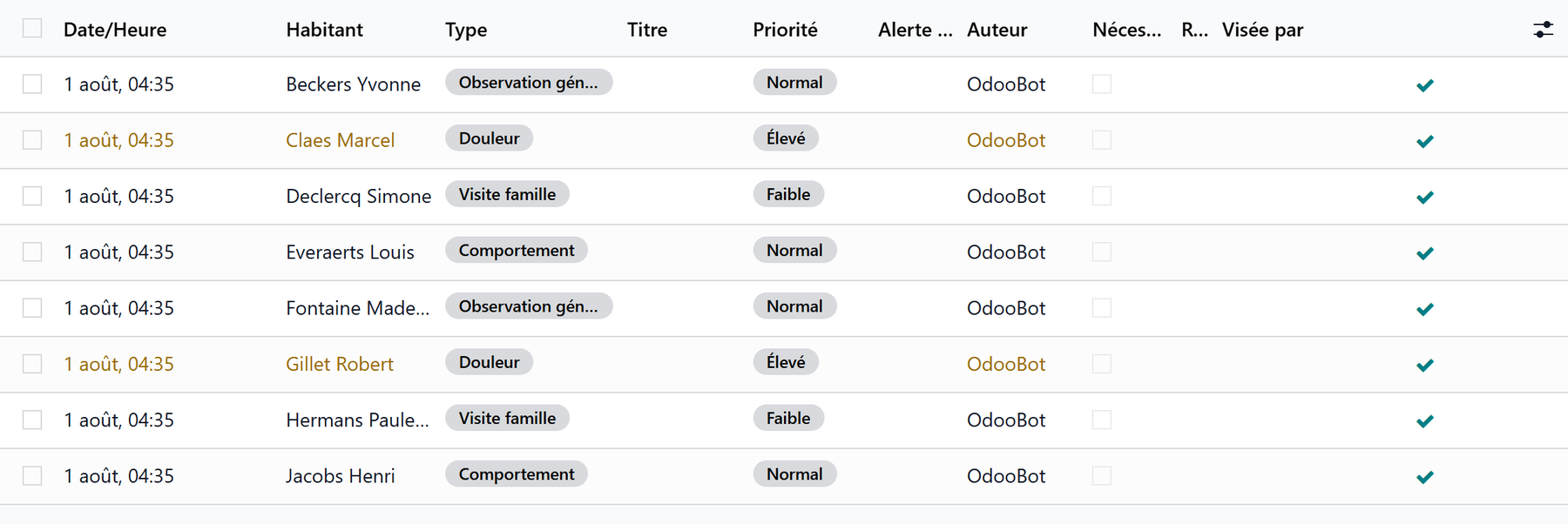
Care plans and vital signs
Beyond medication, the Care app organizes day-to-day nursing work: care plans, scheduling, vital signs and notes.
Care plans
A care plan describes the goals of a resident’s care and the actions to carry out. It follows a clear cycle:
Activate — the plan becomes effective.
Put under review then Validate review — periodic reassessment.
Complete / Cancel — closure.
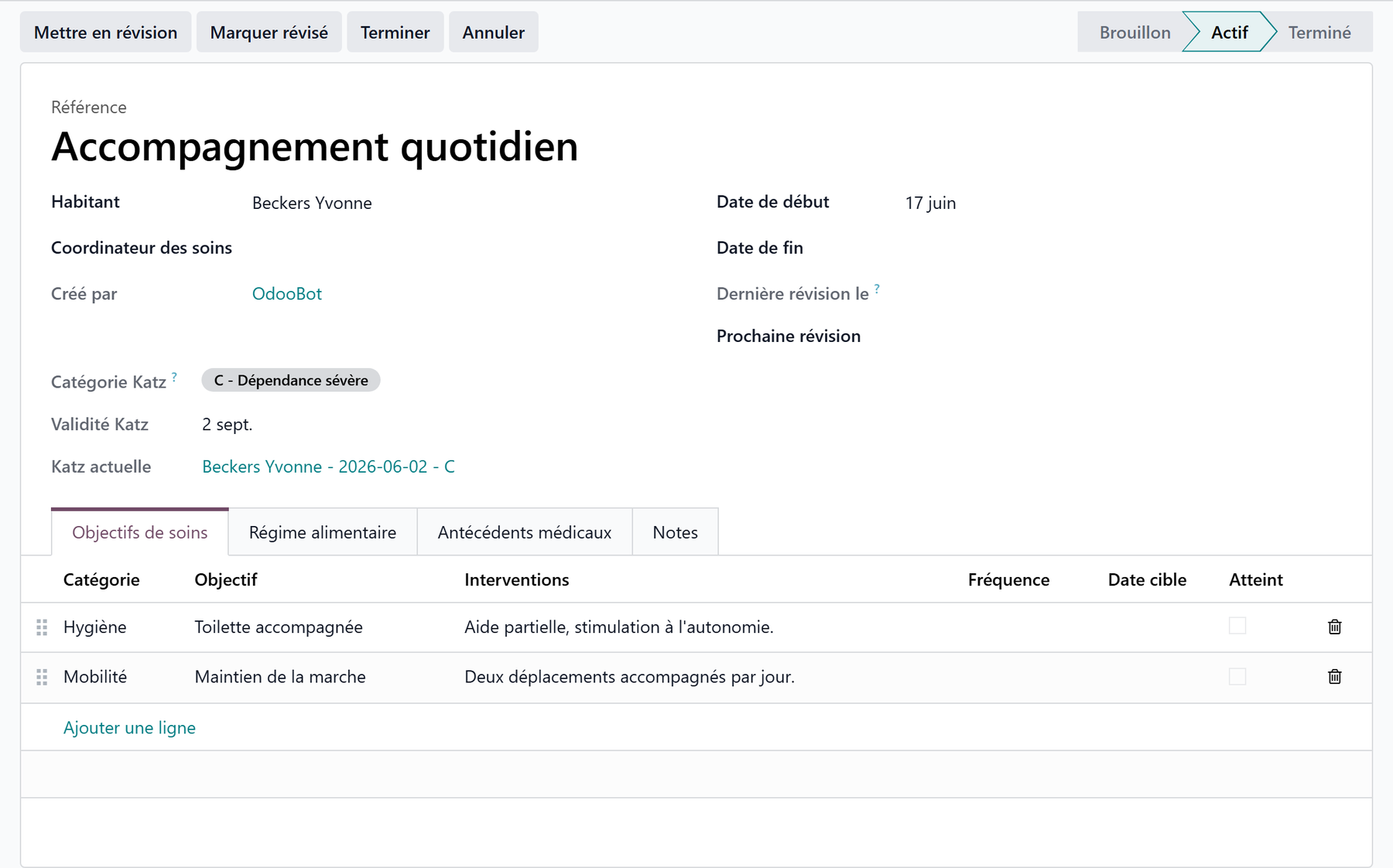
Each plan carries its own goals, which makes follow-up measurable.
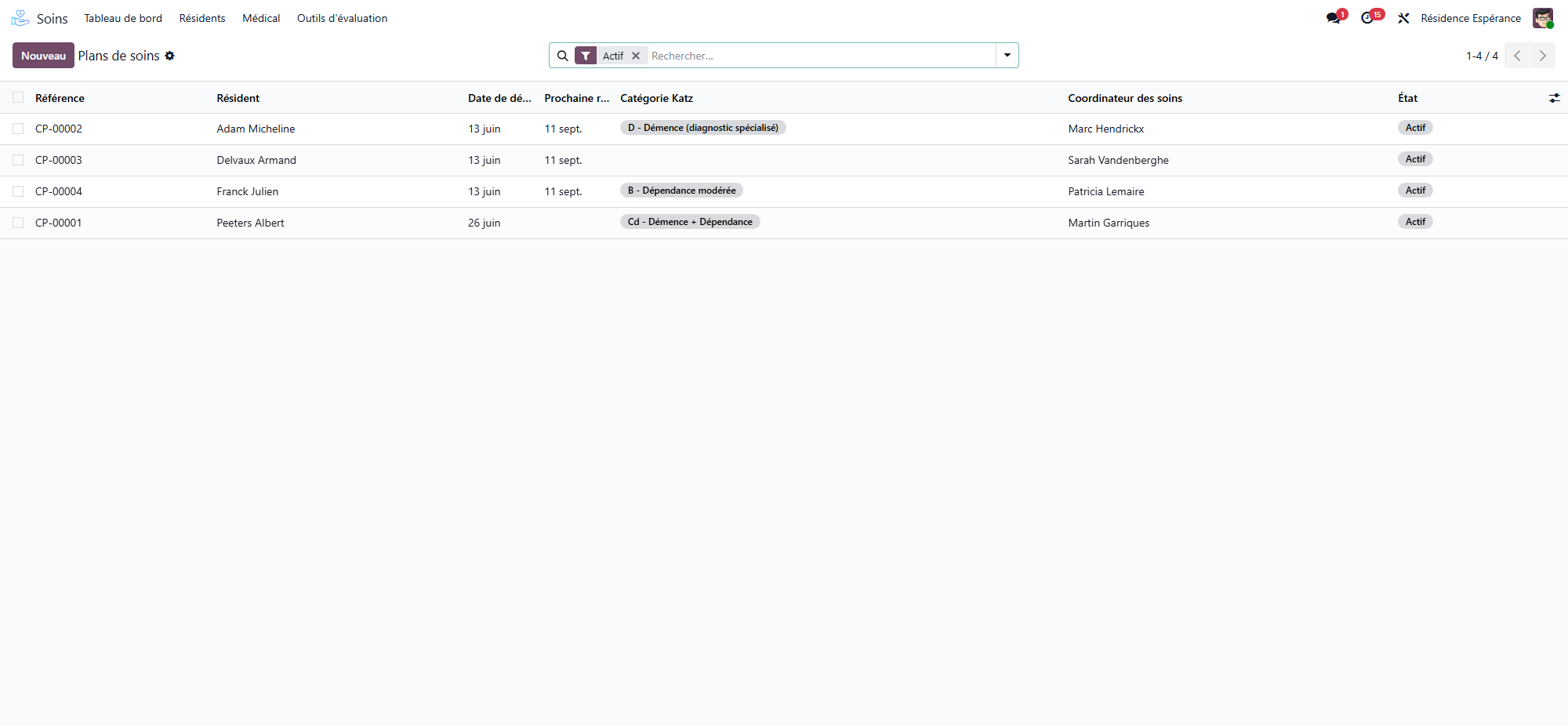
Care scheduling
Today’s care — the list of care tasks to perform today.
My assigned care — what is assigned to you personally.
Each scheduled care task can be started, completed, cancelled or marked missed — the round stays traceable.
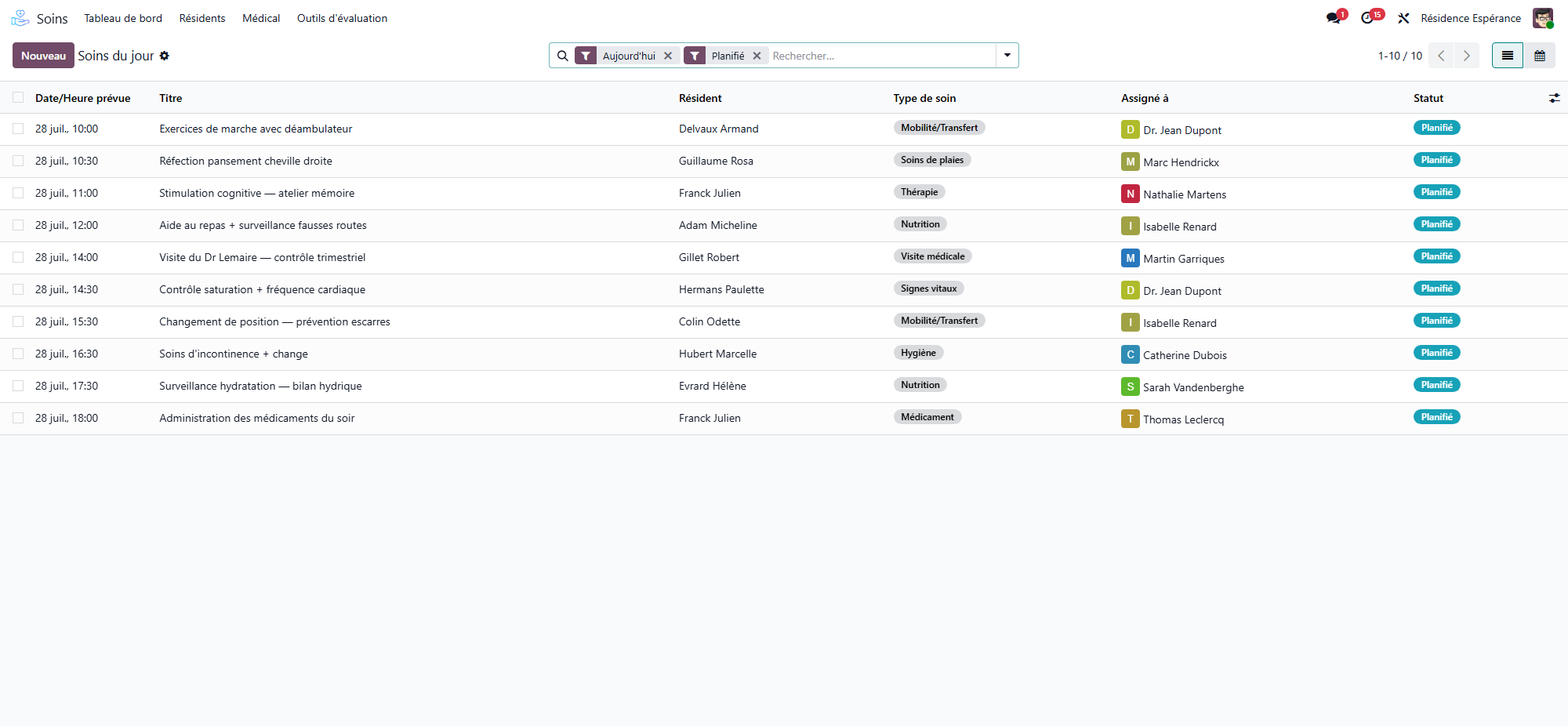
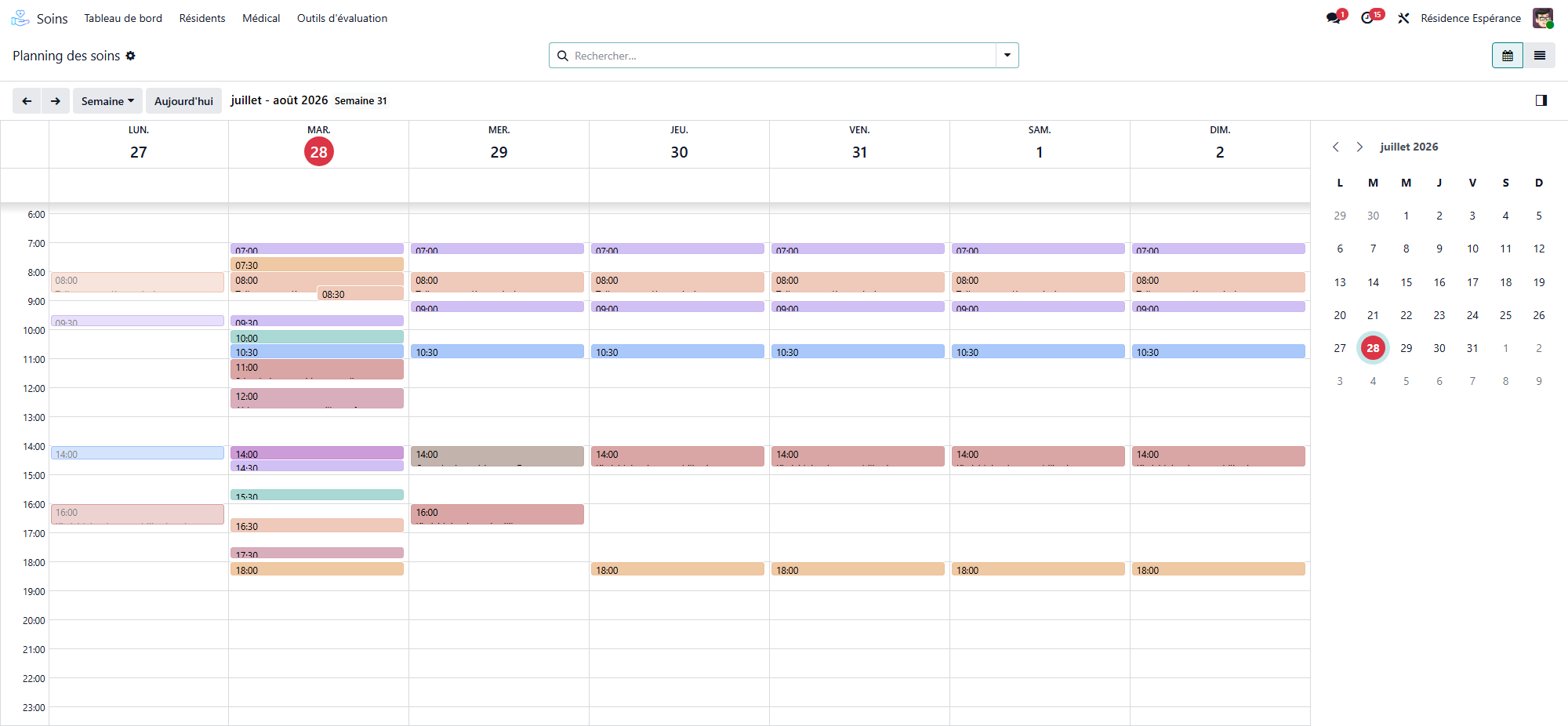
The same care can be read as a calendar, which makes the workload of each day of the week visible at a glance.
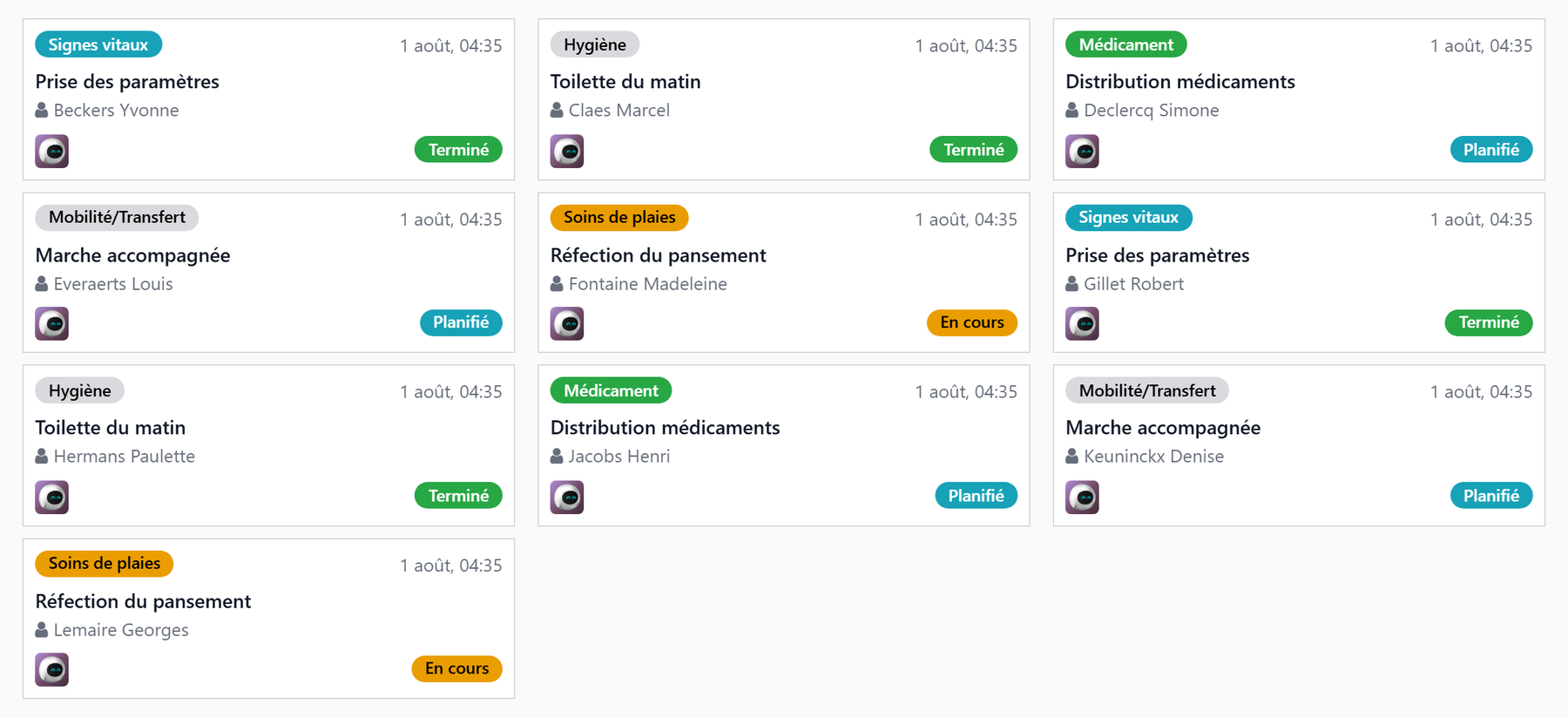
In kanban view, the same day reads as a board of cards — one per care task, with its status at a glance.
Vital signs
From the resident record, open Vital signs entry.
Fill in the measurements (blood pressure, pulse, temperature, weight, saturation…).
Save.
Trends
The Trends tool displays how vital signs evolve over time — handy for spotting a deterioration before it sets in.
Nursing notes
Nursing notes record observations. Items that need attention surface under Watch points / Attention required, and are marked resolved once handled.