The resident’s private furniture
Many residents arrive with their own furniture and personal belongings: an armchair, a television, picture frames, a bookcase, a personal wheelchair… Resthome lets you keep a simple inventory of them, attached to the resident, so you always know what has been brought in and what has been taken back.
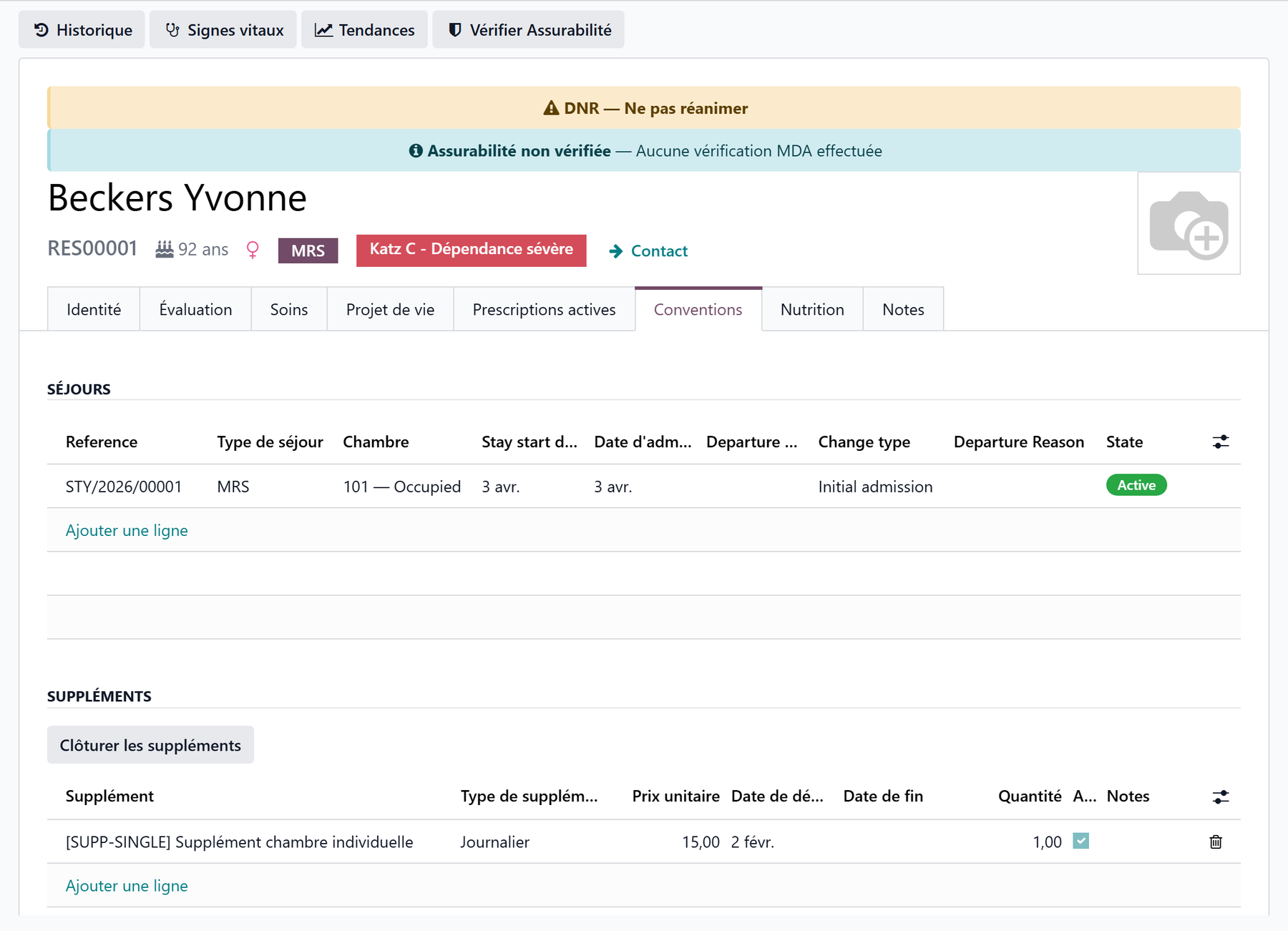
You will find this inventory on the resident’s record, in the Convention tab, in the Resident furniture section.
An optional module
Private furniture is handled by a separate module, installed only for the facilities that need it. If the Resident furniture section does not appear on the record, the module is not installed.
Where to find the inventory
Open the resident’s record (Nursing Home → Residents app).
Go to the Convention tab.
Scroll down to the Resident furniture section.
The section is shown as a table: one line per piece of furniture or object.
Adding a piece of furniture
The list is directly editable: no need to open a separate window.
Click Add a line at the bottom of the section.
Fill in the Description (required) — for example “Leather recliner armchair” or “32-inch television + wall mount”.
Add a Comment if needed — for example “Brought in by the family” or “Resident’s property — upkeep at their expense”.
The Date is filled in automatically with today’s date; adjust it to reflect the day the furniture was brought in.
Save the record.
The date = when the furniture arrived
The Date field indicates when the item was brought in (or its last update). It helps you reconstruct the room’s history, which is useful during an inspection or in the event of a dispute.
Reordering the lines
Each line has a handle (on the left). Drag it up or down to arrange the inventory in whatever order suits you — for example grouping the large furniture first, then the small items.
Taking furniture back: archiving
When a piece of furniture is taken back by the resident or the family, do not delete the line: archive it. That way you keep a record of what was brought in and then taken back.
Show the Active column using the column selector (the icon on the right of the table header), if it is not already visible.
Uncheck the Active box on the relevant line.
Save.
The line is then archived: it disappears from the active list, but its history remains stored in the database.
Archive rather than delete
Deleting the line erases the information permanently. Unchecking Active is preferable: the furniture no longer appears in the current inventory, but you keep proof that it was indeed brought in and then taken back on a given date.
The inventory follows the resident
The inventory is attached to the resident, not to the room or the stay. This has an important practical consequence:
when the resident changes room, the furniture list does not move;
in the event of a transfer between sectors, it also follows the resident.
So you have nothing to copy over when the resident changes room: their furniture stays attached to their record. See Room change and transfer.
Key points to remember
The furniture inventory is kept on the resident’s record, Convention tab, Resident furniture section.
One line = one piece of furniture or object: Description (required), Comment, Date.
The list is directly editable; the handle lets you reorder the lines.
Furniture that is taken back is deactivated (the Active box unchecked), not deleted: its history is kept.
The inventory follows the resident when they change room or are transferred.