Residents
Residents list
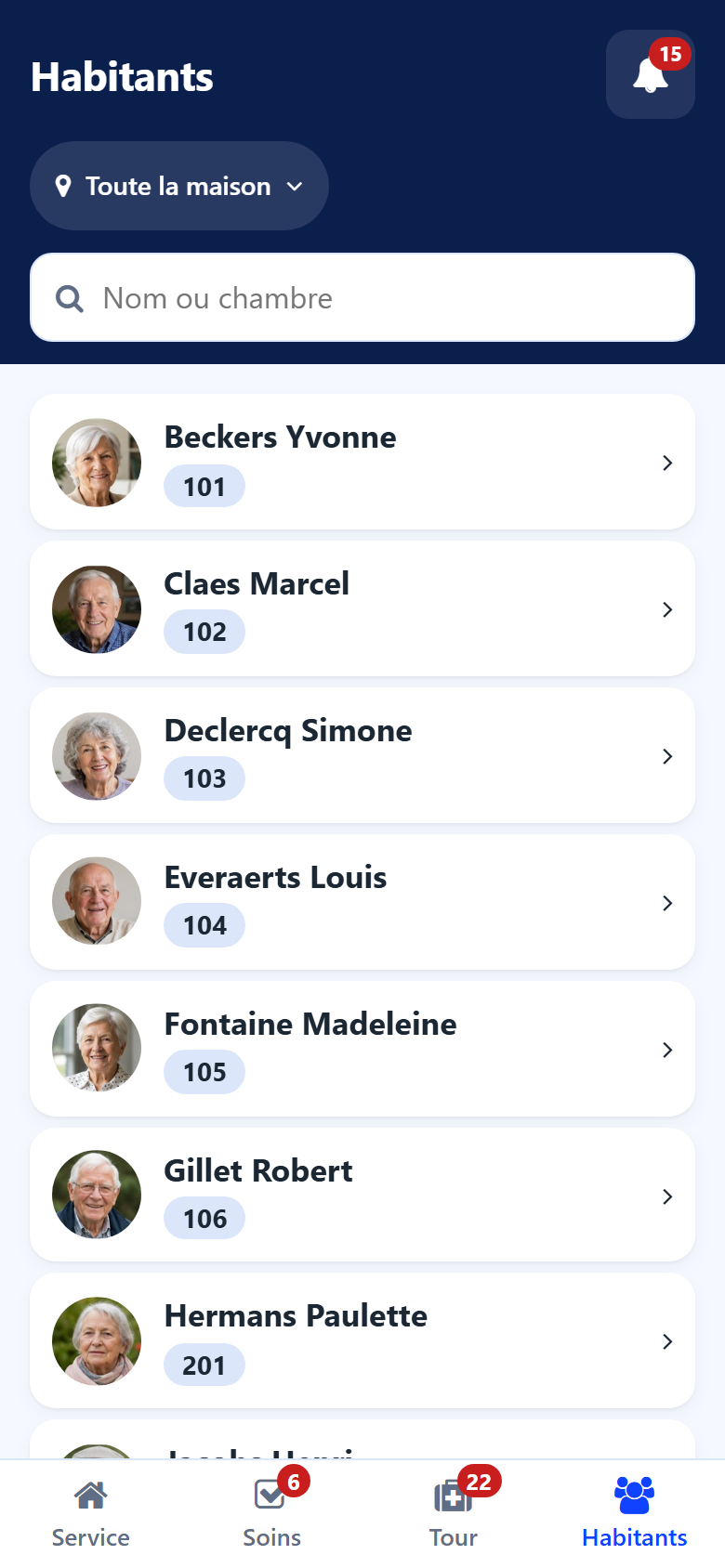
The Residents screen lists the residents of the chosen sector, with their photo and their room.
Type part of a name or room in the search field.
Tap a resident to open the sheet.
Resident sheet
The sheet gathers what a carer needs in front of the resident.
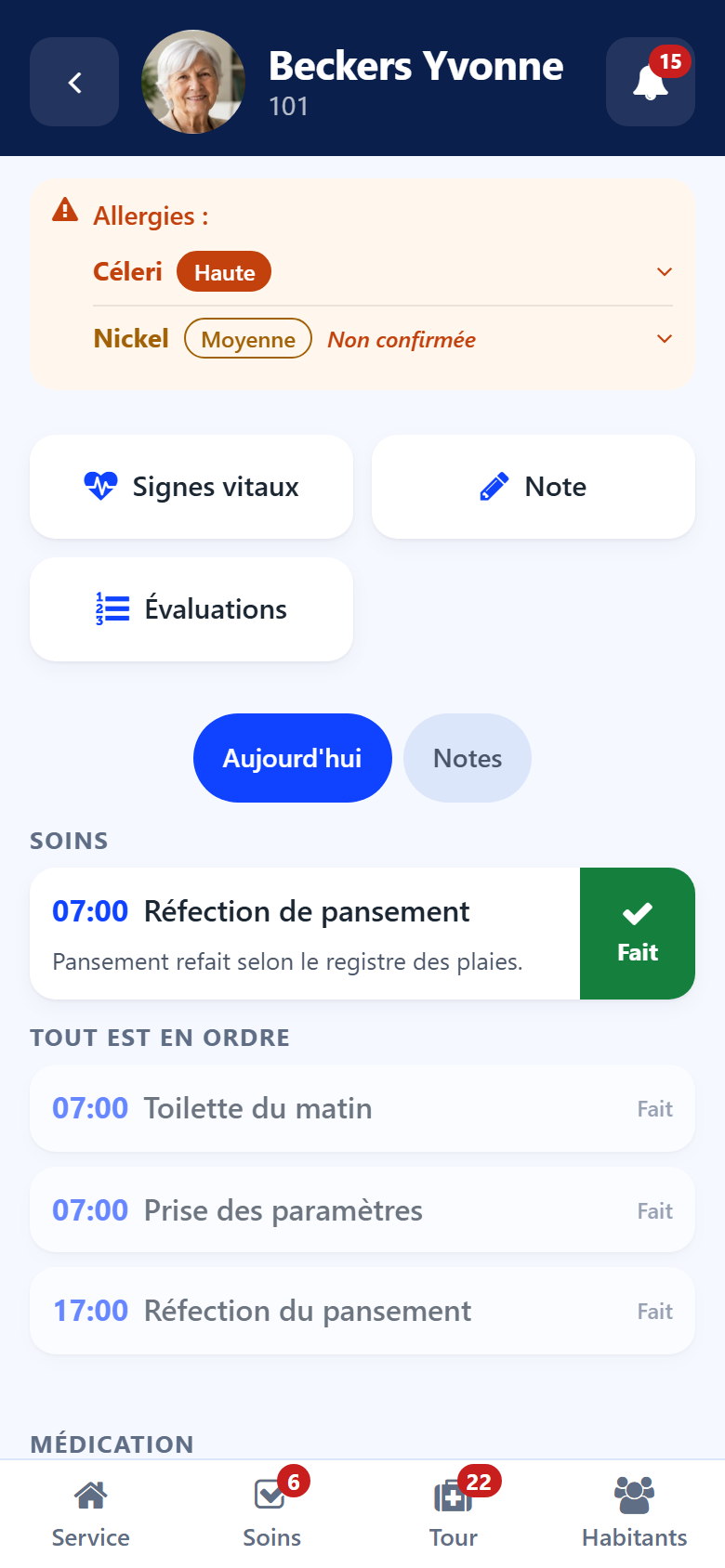
Top of the sheet
Photo — tap it to enlarge it and check you have the right person.
Room and sector under the name.
Points of attention — for example an evaluation awaited. A point that leads somewhere opens the right screen.
Allergies
The allergies come first, the most severe at the top, each with its severity. The strip takes the colour of the most severe one. Tap an allergy to read the reaction. An allergy not yet confirmed says so. With no allergy entered, the sheet shows No allergy recorded.
Quick buttons
Vital signs → Vital signs
Note → Notes
Evaluations → Evaluations
Today and Notes
Today — the resident’s cares and medication of the day, with their Done and Given buttons. What is settled comes under All in order.
Notes — the latest notes about the resident. Tap one to read it whole.