Clinical registers
Clinical registers are the memory of what happened: a fall, a wound, an episode of infection. Each register follows one theme, for one resident, over time — which is what an inspection, a handover or a family conversation needs.
The seven registers
Register |
What it records |
|---|---|
Restraint Registry |
Every restraint measure, its reason and its duration |
Fall Registry |
Falls, their circumstances and their consequences |
Continence Registry |
The continence situation and how it changes |
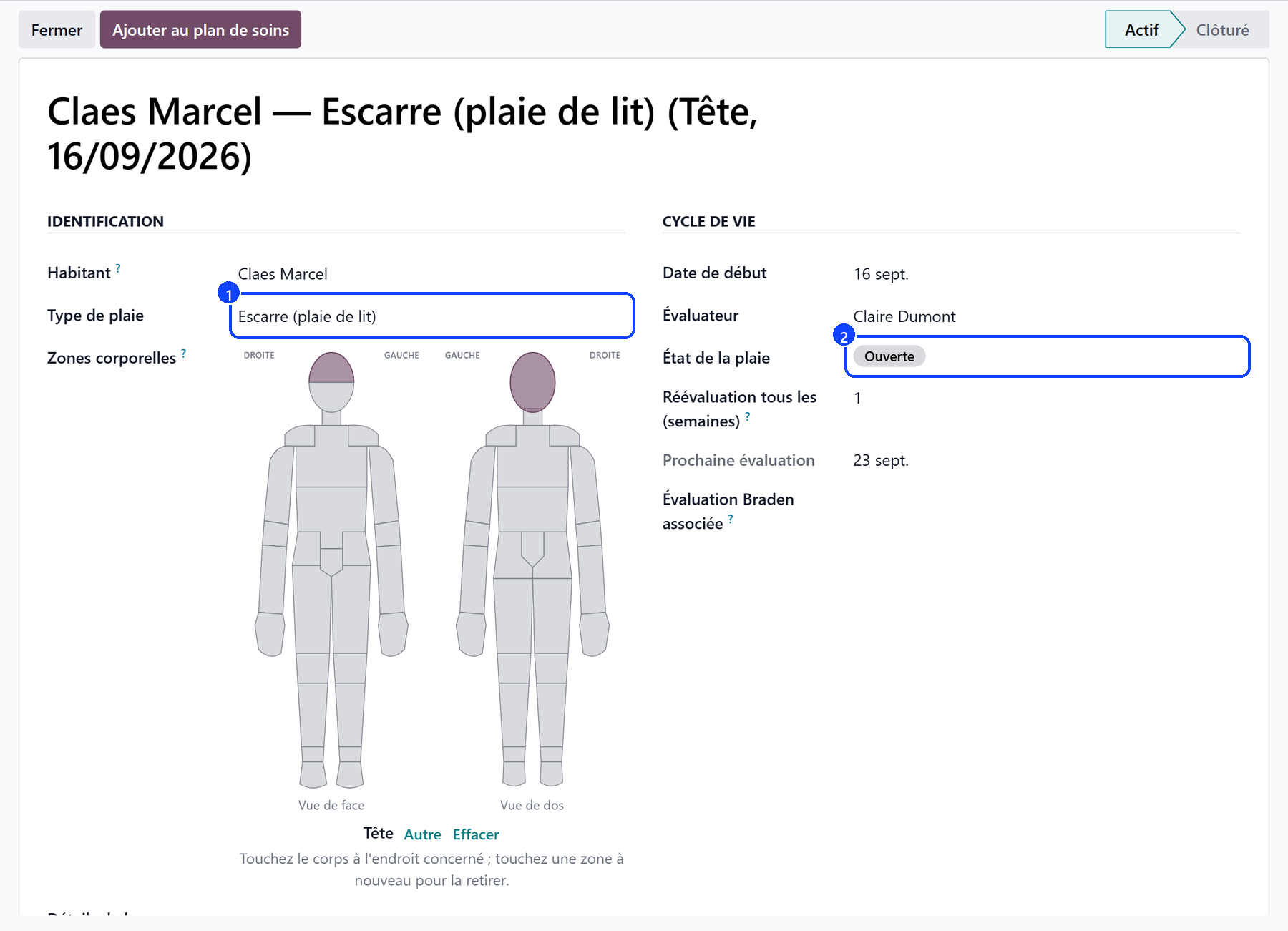
Wound Registry |
Wounds, their care and their healing |
Infection Registry |
Infection episodes and the measures taken |
Procedure Registry |
Invasive procedures (catheter, probe…) |
Isolation Registry |
Isolation measures and their follow-up |
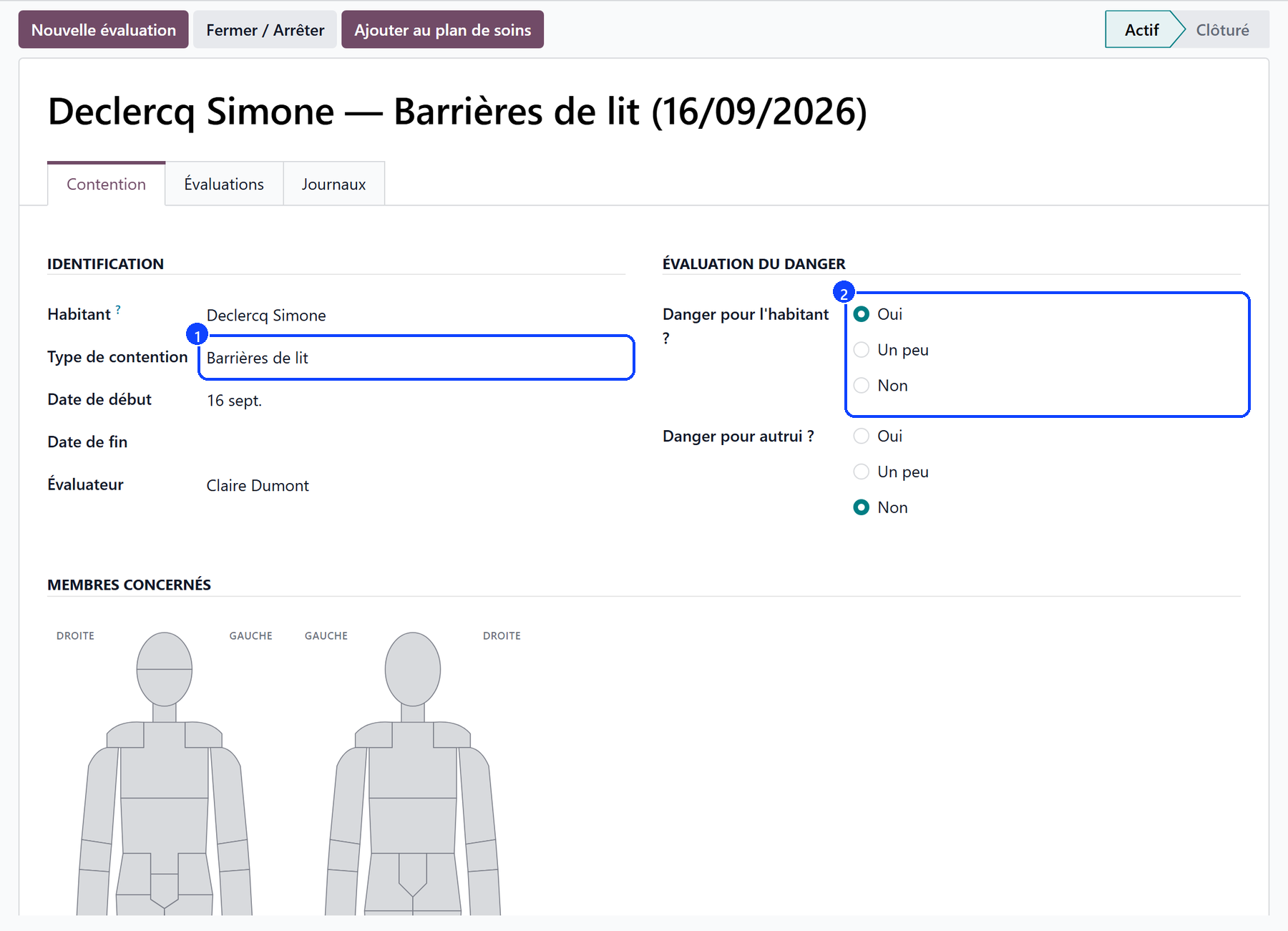
A register is not a scale
A register records events. A scale measures a state at a given moment — Braden, MNA, Tinetti, MMSE, the pain scales. They are filled in from the resident’s record or from the care app, and are described under Geriatric assessments.
How a register works
Open the register from the Care application → Registries.
Create the entry for the resident concerned, and describe the event.
The register keeps the history: each new entry adds to the file rather than replacing it.
Close it when the situation is over; reopen it if it comes back.

What it feeds
The care app writes into the registers straight from the bedside: a fall note, a wound note with its photo and its measurements, a continence note. See Notes.
The wound register carries the wounds that the care app offers to follow.
An infection or isolation register is what an inspection asks to see.