Evaluations
The Evaluations button of the resident’s sheet lists the evaluation scales available for that resident.
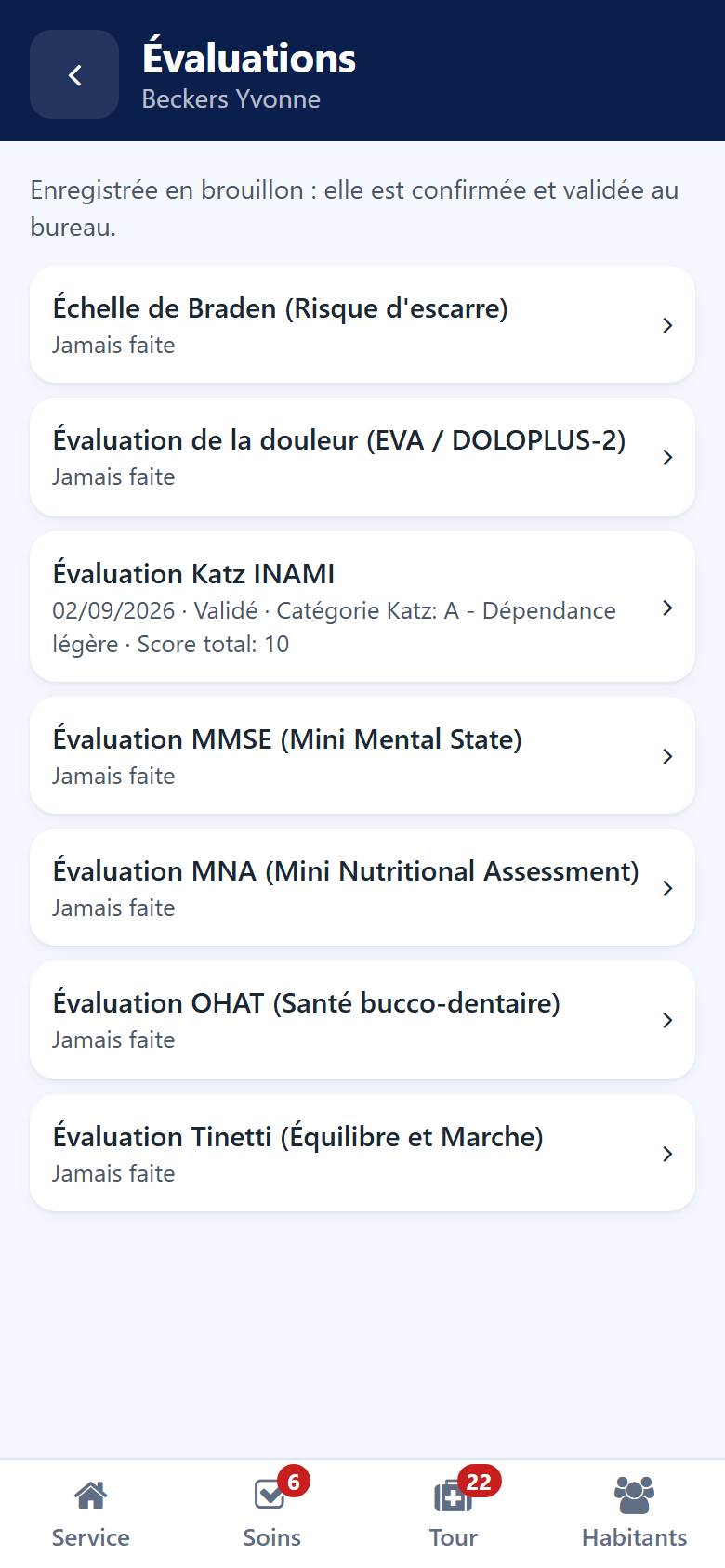
The list of scales
Under each scale:
the date, the status and the result of the last evaluation, or Never done;
To do — the scale is awaited, for example by an admission;
To validate — an evaluation is waiting for its validation at the desk;
a padlock — your role does not allow this scale.
Filling in a scale
Tap the scale.
Answer each question with one tap. A star marks the questions still required.
Add your remarks under Observations.
Save.
The evaluation is recorded as a draft. It is confirmed and validated in the back office — see Evaluations.