Treatments
A treatment is what a resident takes: one medicine, one dose, at given moments of the day, from a start date to an end date. The round, the pillboxes, the pharmacy orders and the medication sheet all read it.
A treatment is created three ways:
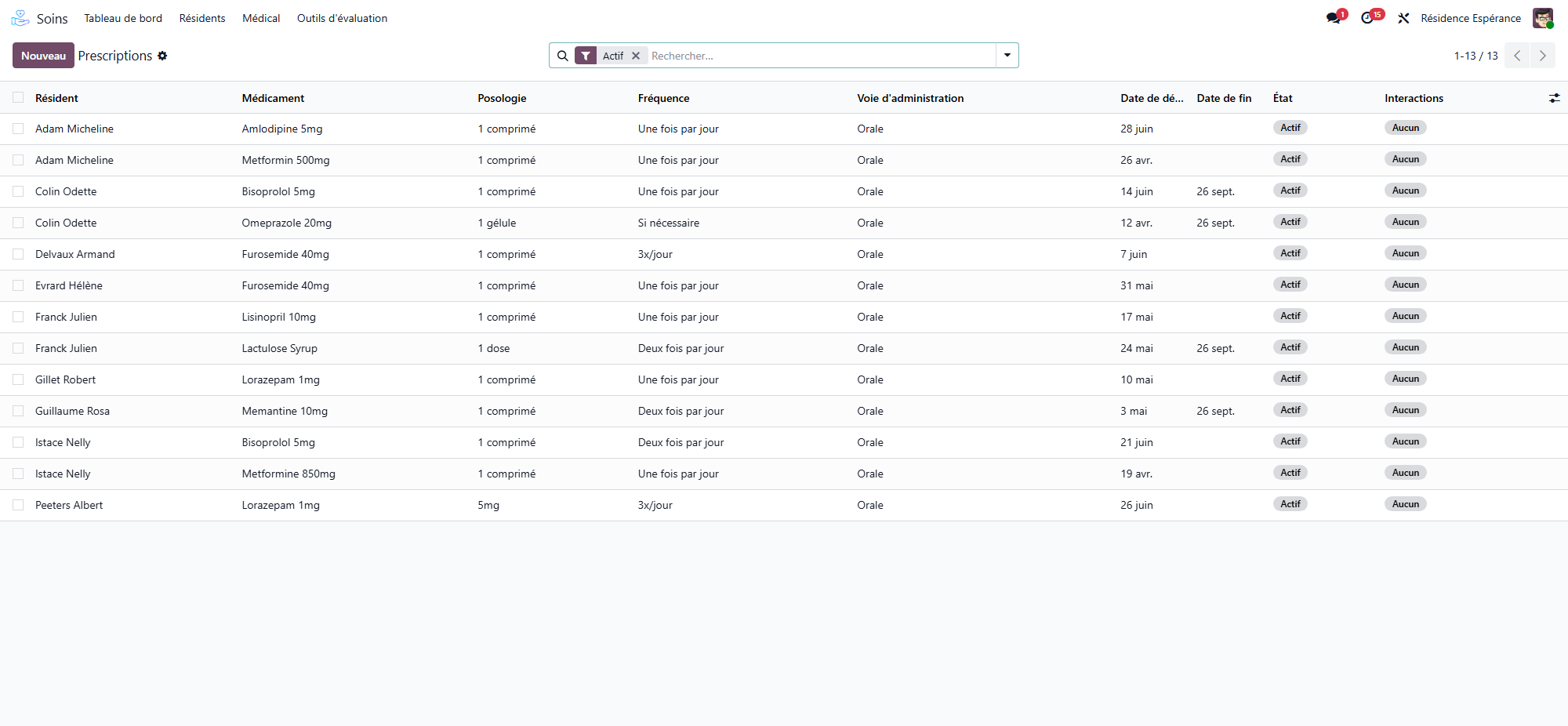
by confirming a prescription: each line becomes a treatment (see Prescriptions);
with New Treatment on the Medicines workstation;
with Add a line in the Treatments tab of the resident’s record.
The resident’s Treatments tab
On the resident’s record, the Treatments tab lists the running and suspended treatments: medicine, dose, frequency, the moments with their hour, route, dates, prescriber and state. Active is shown in green, Suspended in orange. Choose more columns from the column menu (the pharmacy’s sachets, the units in the box, the stock alert).
The Treatments smart button gives the same count, and the Documents tab prints the Medication Sheet: what the resident takes, on one page.
The treatment form
Medicine, dose and schedule
Resident, Medication, Prescriber, Prescription Date.
Dosage — picked from the list of dosages (a quantity and its unit: 1 tablet, 500 mg, 5 ml). A dosage typed with Create joins the list.
Frequency — Once Daily, Twice Daily, 3x Daily, 4x Daily, Every 8/6/4 Hours, Weekly, As Needed, Other.
Administration Route and Meal Timing (Before Meal, With Meal, After Meal, Anytime, On Empty Stomach).
Schedule — tick the moments: Morning, Noon, Afternoon, Evening, Night, or type Specific Times.
Duration — Start Date, End Date, or Permanent Treatment.
At the moment of giving
What the round shows next to the dose:
Intake — Swallowed whole, Crushed, Dissolved, Capsule opened, In food. A medicine marked Do Not Crush in the catalogue refuses Crushed.
Not Together With — the resident’s other medicines this one must not be given with; Not Together With (Other) for anything else (milk, grapefruit). When both fall on the same moment, Given at the Same Moment says so, on both treatments.
Prepared at the Moment — a dose measured, dissolved or drawn up at the moment of giving (a syrup, drops): it is never prepared in advance in a pillbox.
Glucose Before Giving — shown for an insulin: the app asks the blood glucose before the dose.
If needed
For a treatment As Needed, the If Needed group sets When Needed For, Max Doses a Day and Hours Between Doses, and shows Given Today. An as needed treatment has no place on the round: the dose is given from the resident’s card in the care app, and refused past the daily maximum or before the interval.
Checks
Interaction Severity — read on the house’s list of drug interactions: Not Checked (resident or medicine missing), None, Minor, Moderate, Major, Contraindicated, with the Interaction Warning. A major interaction warns; only a pair recorded as contraindicated refuses the treatment.
Same class — a warning names another running treatment of the same class (two anxiolytics, for instance).
Allergies — the medicine’s allergens are compared with the resident’s allergies, cross-reactions included. A critical allergy blocks the treatment; an allergy recorded later is written on every running treatment that contains it, and a critical one blocks its doses.
Only what the house recorded
The checks read the resident’s allergies, the allergens of the medicine and the interactions the house entered. WideCare does not deduce clinical information that nobody recorded.
The resident’s box
The The Resident’s Box group follows the box the resident uses:
In the Pharmacy’s Sachets — ticked when the pharmacy prepares this medicine in a sachet per moment. It is proposed from the form, the dose and the catalogue; Out of the Sachets Because says why when it is not. Untick what the pharmacy leaves to the house.
Units in the Box — counted down at each dose given (two for 2 tablets, one every two doses for ½ tablet). Reorder Below, Box Expires On, Opened On and Discard After set when the box must be ordered again.
Stock Alert — To reorder, Expired or Opened too long.
At the Pharmacy — where the box is when it was ordered.
Missing: Tell the Pharmacy (in the box group) and Order From the Pharmacy (in the header) put the box into the pharmacy’s basket — a care assistant can do it. See Pharmacy orders.
Smart buttons and tabs
Prescription — the prescription the treatment came from.
Administrations and Refusals — the doses recorded.
Tabs Reason, Instructions and, for a suspended treatment, Suspension.
The life of a treatment
The states are Active, Suspended, Completed and Cancelled.
Complete — the treatment ends today.
Suspend — interrupts it for a while (before an examination, for instance); write why in the Suspension tab.
Resume — restarts a suspended treatment; only the moments still to come return on the round.
Cancel — removes a treatment entered by mistake.
Changing a moment, the dates or the frequency replaces the doses still to come; a dose already prepared in a pillbox is then flagged to take out (see Pillboxes and the pharmacy’s sachets).
Hospitalisation: suspend, then resume
When a resident goes to hospital, the hospital takes over the treatment.
On the resident’s record, click Hospital departure, and enter the moment and the reason.
Confirm: every active treatment is suspended, and the window says how many. The liaison pack prints on confirmation: the document the hospital asks for on admission (identity, treatments, allergies, dependency, the hospitalisation preferences of the anamnesis).
On the way back, Return from hospital resumes exactly the treatments the departure suspended — never one a physician suspended for a reason of their own — and the resident appears under Back From Hospital on the Medicines workstation, to reconcile the treatments with the discharge letter. See Medication follow-up.